Smarty always by your side
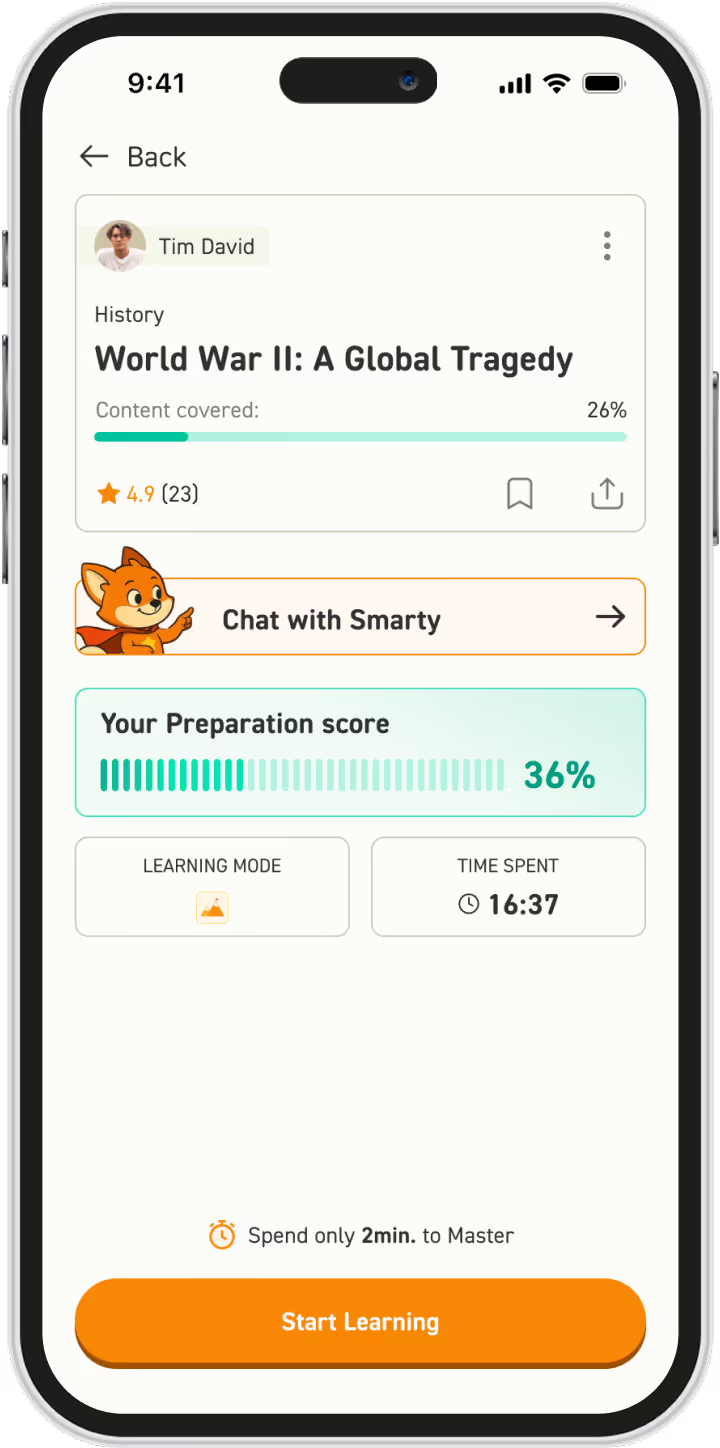
Learning doesn’t have to stay at your desk. Take Smarty with you on the train, in the car, to practice, or even on vacation. Your study buddy is just one tap away – wherever you are.

Smarty always by your side
Learning doesn’t have to stay at your desk. Take Smarty with you on the train, in the car, to practice, or even on vacation. Your study buddy is just one tap away – wherever you are.

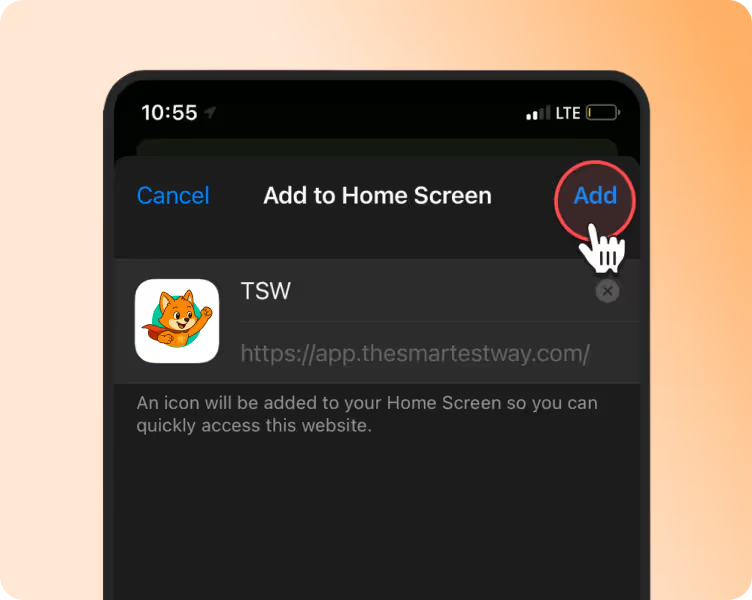
Since Smarty isn’t available in app stores yet, we’ll show you how to easily install it on your mobile device.
Just follow the steps below based on your operating system: 👉 For 🤖 Android or 🍎 iOS, choose your guide below.
STEP 1
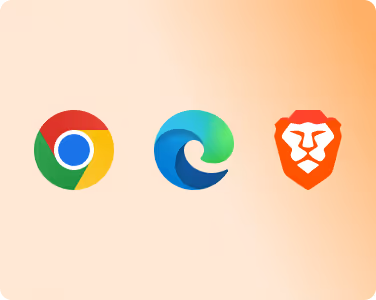
On your phone, open one of the supported browsers: Google Chrome, Microsoft Edge or Brave.
STEP 2
In your browser, open app.thesmartestway.com and click the additional menu button.

STEP 3
At the bottom of the menu, click the Add to Home Screen or Install button.

STEP 1
In Safari, open app.thesmartestway.com and click the share button ⬆️.

STEP 2
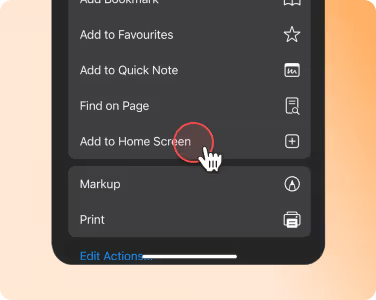
Then scroll down and click the Add to Home Screen button.
STEP 3
At the top right, click the Add button again.